How to Deposit on ChampBet: OPay, PalmPay, Paystack
How to deposit on ChampBet with Paystack, Flutterwave, OPay or PalmPay: the cashier steps, no ChampBet deposit fee, when to claim your bonus and fixes.

In this guide
To deposit on ChampBet, sign in, tap Deposit at the top of the screen, choose Paystack, Flutterwave, OPay or PalmPay, enter your amount and approve the payment. ChampBet does not add a fee to deposits. If you want the Champion’s Welcome casino bonus, claim it in Bonuses before you pay, not after. Here is the full ChampBet deposit process, method by method.
Which deposit methods does ChampBet accept?
ChampBet accepts four deposit methods, all in naira: Paystack, Flutterwave, OPay and PalmPay. You choose one in the cashier after you tap Deposit. Whichever you pick, pay from an account in your own name, because the name on the payment must match the name on your ChampBet account.
| Method | What it is | Good to know |
|---|---|---|
| Paystack | Nigerian payment gateway | Opens a secure checkout. Follow the payment options it shows you. |
| Flutterwave | Payment gateway used across Africa | Opens its own checkout. Follow the options it shows you. |
| OPay | Mobile money app and wallet | Approve the payment from your own OPay account. |
| PalmPay | Mobile money app and wallet | Approve the payment from your own PalmPay account. |
ChampBet adds no deposit fee. Your bank or wallet may have its own charges, so check their terms if you see one.
Before your first deposit: three quick checks
A minute of planning before you pay saves problems later. Check these three things first.
-
Decide on your welcome offer. ChampBet has two, and you can take one per person, household, device, NIN, BVN and payment method:
- Champion’s Welcome (casino): a 100%, 125%, 150%, then 200% bonus across your first four deposits. Claim it in Bonuses before each deposit of ₦2,000 or more, or that deposit will not count.
- Champion’s Kickoff (sports): deposit, then make your first bet a ₦2,000+ multiple with 3+ selections at 1.40+. Won, and your next bet is boosted by 50%. Lost, and you get your stake back as a bonus, up to ₦30,000.
Full terms apply. Our ChampBet welcome bonus guide compares the two in detail.
-
Use an account in your own name. The bank account, card or wallet must belong to you. Payments from someone else’s account can be cancelled.
-
Set your budget. Decide how much you can afford to spend this week or month before you open the cashier. Our guide to bankroll management shows a simple way to do it.
How to deposit on ChampBet step by step
The ChampBet deposit takes a few taps in the cashier. You choose a method, enter an amount in naira and approve the payment with your provider.
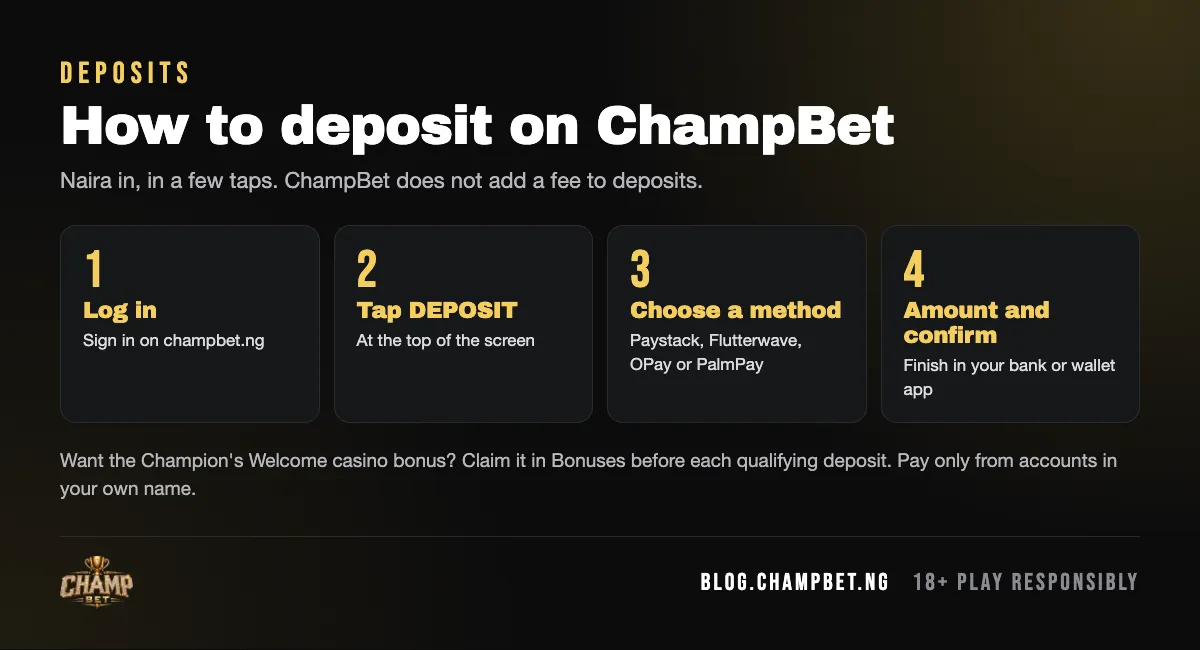
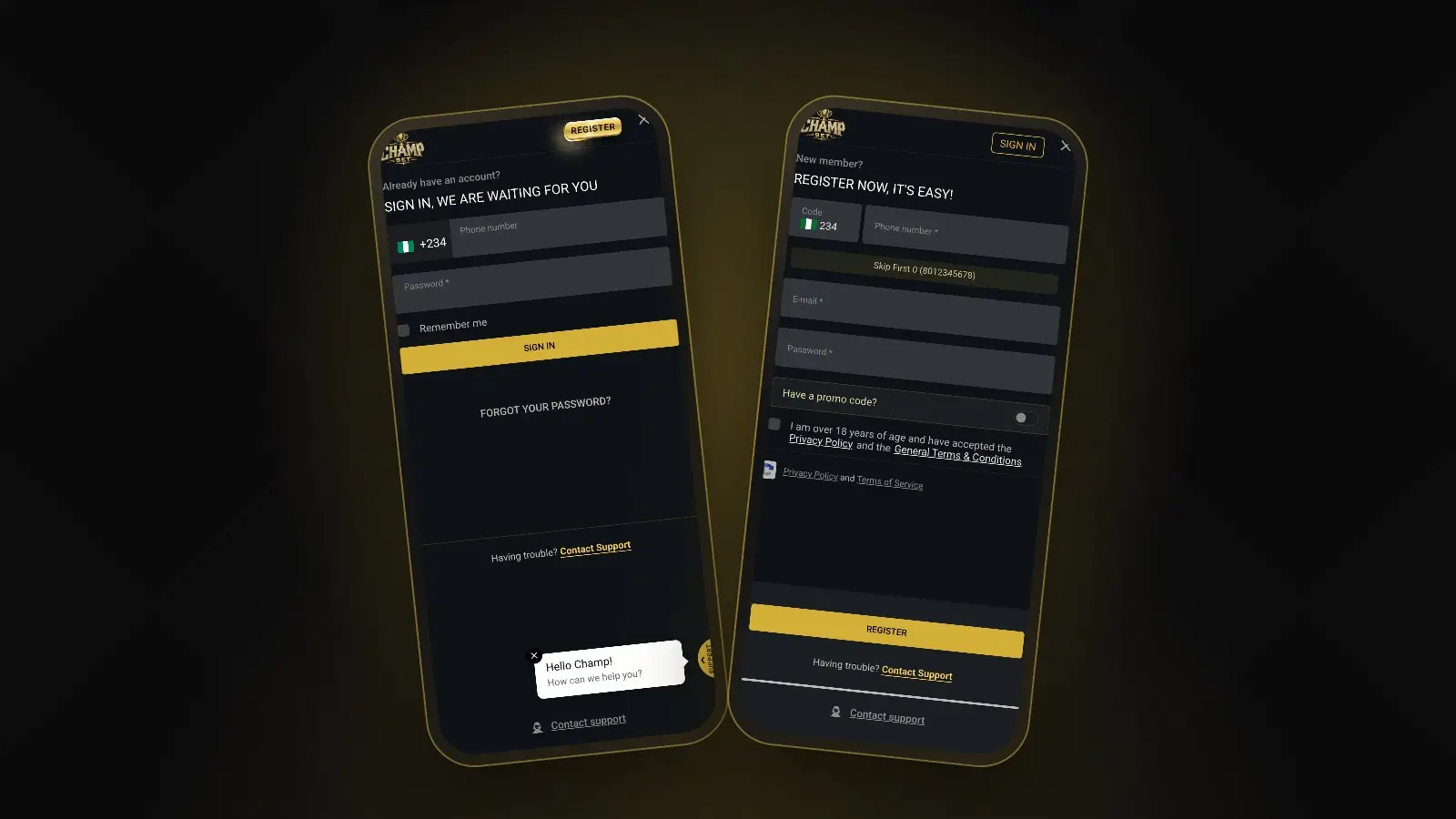
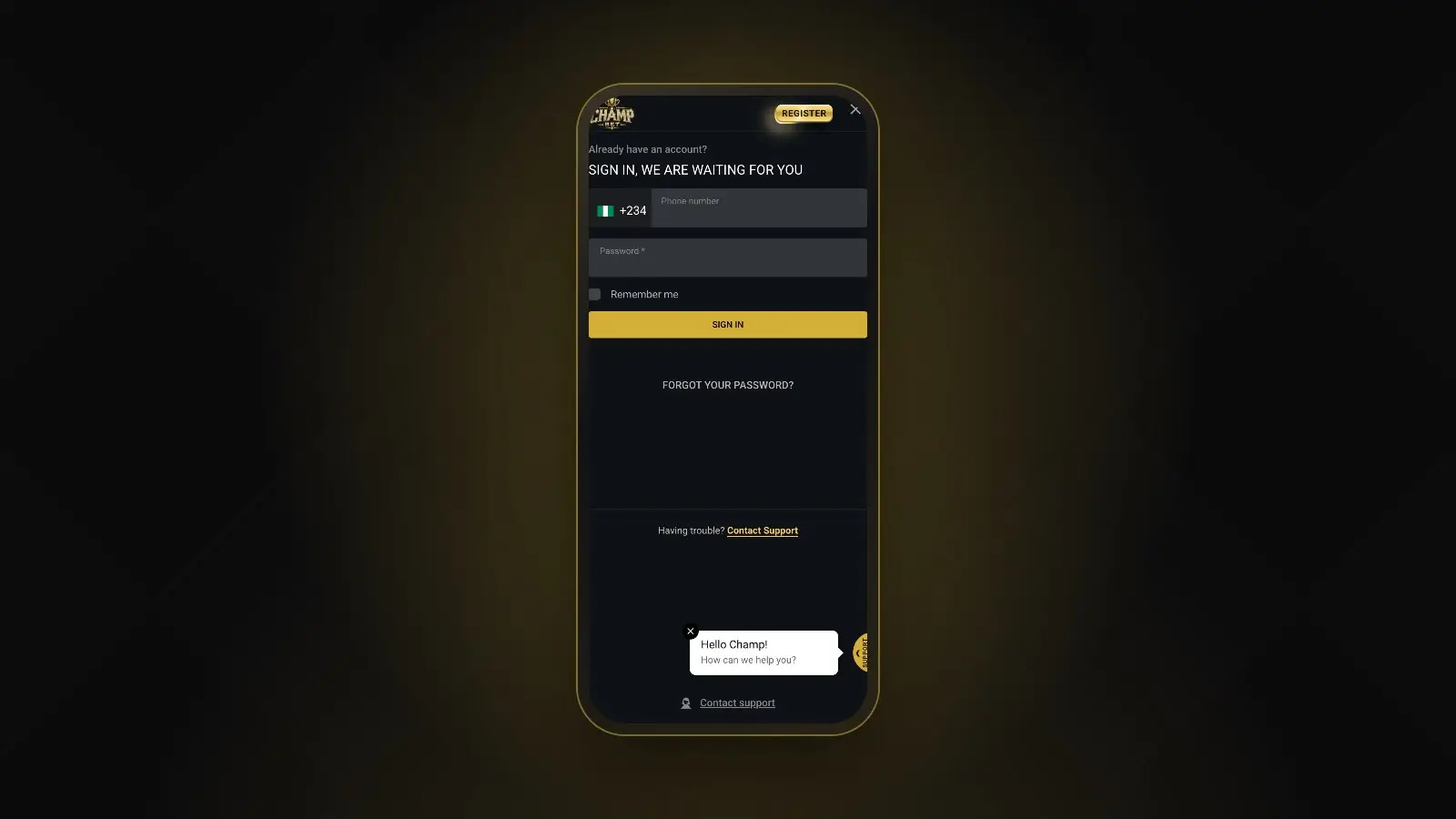
- Sign in. Go to champbet.ng and sign in with your phone number and password. New here? Follow our registration guide first.
- Claim your bonus first (optional). If you want Champion’s Welcome, open Bonuses in your account and claim it now, before you pay.
- Tap Deposit. When you are signed in, the Deposit button sits at the top of the screen. It opens the cashier.
- Choose a method. Pick Paystack, Flutterwave, OPay or PalmPay.
- Enter the amount. Type the amount in naira, for example ₦5,000. For a welcome offer, make it at least ₦2,000.
- Confirm and approve. Confirm in the cashier, then complete the payment in the checkout or app that opens. Approve it only on the genuine provider page.
- Check your balance. Once the payment goes through, the money appears in your ChampBet balance. Keep the receipt or transaction reference until it does.
 Sign in at the top right. Once you are signed in, the Deposit button appears at the top of the screen.
How to deposit on ChampBet with OPay
To deposit with OPay, sign in on champbet.ng, tap Deposit, choose OPay, enter the amount and confirm. Then approve the payment from your OPay account, following the prompts OPay shows you. Use an OPay account registered in your own name, so it matches your ChampBet account and causes no problems later.
A few OPay tips:
- Make sure your OPay balance covers the full amount before you start.
- Approve the payment once. If it seems to hang, check your OPay transaction history before you try again.
- Screenshot the OPay receipt. The reference number is what support needs if anything goes wrong.
Depositing with PalmPay, Paystack or Flutterwave
The steps are the same for the other methods: choose the method in the cashier, enter the amount, then complete the payment in the PalmPay app or in the Paystack or Flutterwave checkout. The checkout shows the payment options available to you, so follow what it displays rather than any instructions from third parties.
ChampBet deposit tips
These habits keep your deposits smooth and your account in good order.
- Deposit only from accounts in your own name. The general terms require the name on the bank account, card or wallet to match your ChampBet account.
- Claim Champion’s Welcome before depositing. Claim first, then deposit, for each of your first four deposits.
- Keep your receipts. Save the transaction reference for every deposit until it shows in your balance.
- Never pay through a person. Deposits happen only in the cashier on champbet.ng. Anyone who asks you to send money to a personal account or an “agent” is not ChampBet.
- Deposit to play, not to store money. The general terms and conditions include rules for deposits that are withdrawn without being played, so read the Payments and Withdrawals section.
- Watch the midweek offer. Midweek Crash Crown needs a deposit of ₦10,000 or more on a Tuesday or Wednesday, plus ₦10,000 in sports bets at odds of 1.30+, for 10 x ₦100 free bets on Avi. Full terms apply.
 Check the promotions page before you deposit: some offers depend on when and how you pay.
What if my ChampBet deposit does not show?
If your deposit does not show, first check your bank or wallet app to see whether the money left your account. If it did not, the payment did not go through and you can try again. If it was debited but your ChampBet balance has not changed, do not pay again: contact support with your receipt.
- Open your bank or wallet app and find the transaction.
- Note the amount, date, time, method and transaction reference.
- Message ChampBet customer care on WhatsApp at +234 707 982 0431 with those details and a screenshot.
- Never send your password, card PIN or any one-time code. Support does not need them.
Not signed in yet? Our ChampBet login guide helps.
Next steps
With money in your balance, you are ready to bet. Our guide on how to place a bet on ChampBet walks you through the bet slip, and how to withdraw from ChampBet explains how to cash your winnings out to your bank.
Head to the ChampBet promotions page to claim the offer that suits you before your first deposit, and keep your spending within the budget you set. For help staying in control, see our responsible gambling guide.
Frequently asked questions
How do I deposit money on ChampBet?
Sign in on champbet.ng and tap Deposit at the top of the screen to open the cashier. Choose Paystack, Flutterwave, OPay or PalmPay, enter the amount and confirm. Then approve the payment in the provider's checkout or app, and check that the money shows in your ChampBet balance.
Can I deposit on ChampBet with OPay?
Yes. OPay is one of the deposit methods in the ChampBet cashier, alongside PalmPay, Paystack and Flutterwave. Choose OPay, enter your amount and approve the payment in OPay. Use an OPay account in your own name, matching the name on your ChampBet account.
Does ChampBet charge a deposit fee?
No. ChampBet does not add a fee to deposits. Your bank, card issuer or wallet may apply its own charges under its own rules, so check with them if you see a deduction you did not expect on their side of the payment.
What is the minimum deposit on ChampBet?
Any limits for your chosen method are shown in the cashier when you deposit. If you want a welcome offer, note the offer rules: Champion's Welcome counts deposits of at least ₦2,000, and Champion's Kickoff needs a first sports bet of at least ₦2,000.
Why has my ChampBet deposit not arrived?
First check your bank or wallet app to see whether the money actually left your account, and do not pay again. If it was debited but your ChampBet balance has not changed, message support on WhatsApp at +234 707 982 0431 with the amount, method, time and transaction reference.
Should I claim the welcome bonus before depositing?
For Champion's Welcome, yes. Open Bonuses and claim it before each of your first four deposits, or that deposit will not count for the offer. Each qualifying deposit must be at least ₦2,000. Champion's Kickoff works differently: it is based on your first sports bet after you deposit.