ChampBet App: Add ChampBet to Your Phone's Home Screen
Looking for the ChampBet app? Add champbet.ng to your iPhone or Android home screen in seconds, then take a tour of the mobile site, data tips and safety.
In this guide
The quickest way to get the ChampBet app experience is to add champbet.ng to your phone’s home screen. On iPhone, open champbet.ng in Safari, tap Share, then Add to Home Screen. On Android, open it in Chrome, tap the three-dot menu, then Add to Home screen. The ChampBet icon then opens the full mobile site in one tap: sports, live betting, casino, deposits and withdrawals. Here is how, step by step, plus a tour of ChampBet mobile and tips to save data and stay safe.
Is there a ChampBet app?
You do not need an app store download to use ChampBet on your phone. ChampBet is built to run in your phone’s browser, and the mobile site gives you everything: registration, the sportsbook, live betting, the casino, the cashier and support. Saving it to your home screen gives you an app-style icon without using phone storage or waiting for updates.
That also keeps you safe. If someone sends you an APK file or a link to a “ChampBet app” on WhatsApp, Telegram or a download site, do not install it. Open champbet.ng yourself and add it to your home screen instead. If you are unsure about any link, ask ChampBet customer care on the official WhatsApp line first.
How to add ChampBet to your iPhone home screen
- Open Safari and go to champbet.ng.
- Tap the Share button. On newer versions of iOS, tap the ••• menu first, then Share.
- Scroll down the list and tap Add to Home Screen. If you cannot see it, scroll to the bottom, tap Edit Actions and add it.
- On newer iOS versions you can switch on Open as Web App, so ChampBet opens full screen like an app.
- Tap Add.
The ChampBet icon appears on your home screen. Apple’s guide to adding a website icon to your Home Screen shows the same steps with pictures. The icon only appears on the phone where you add it, so repeat the steps on an iPad.
How to add ChampBet to your Android home screen
- Open Chrome and go to champbet.ng.
- Tap More (the three dots to the right of the address bar).
- Tap Add to Home screen. In newer versions of Chrome, this is Install and create shortcut, then Create shortcut.
- Keep the name or type “ChampBet”, then tap Add.
Google’s help page on creating shortcuts for websites in Chrome covers the latest menu wording. Other Android browsers have a similar option in their menu.
A tour of the ChampBet mobile site
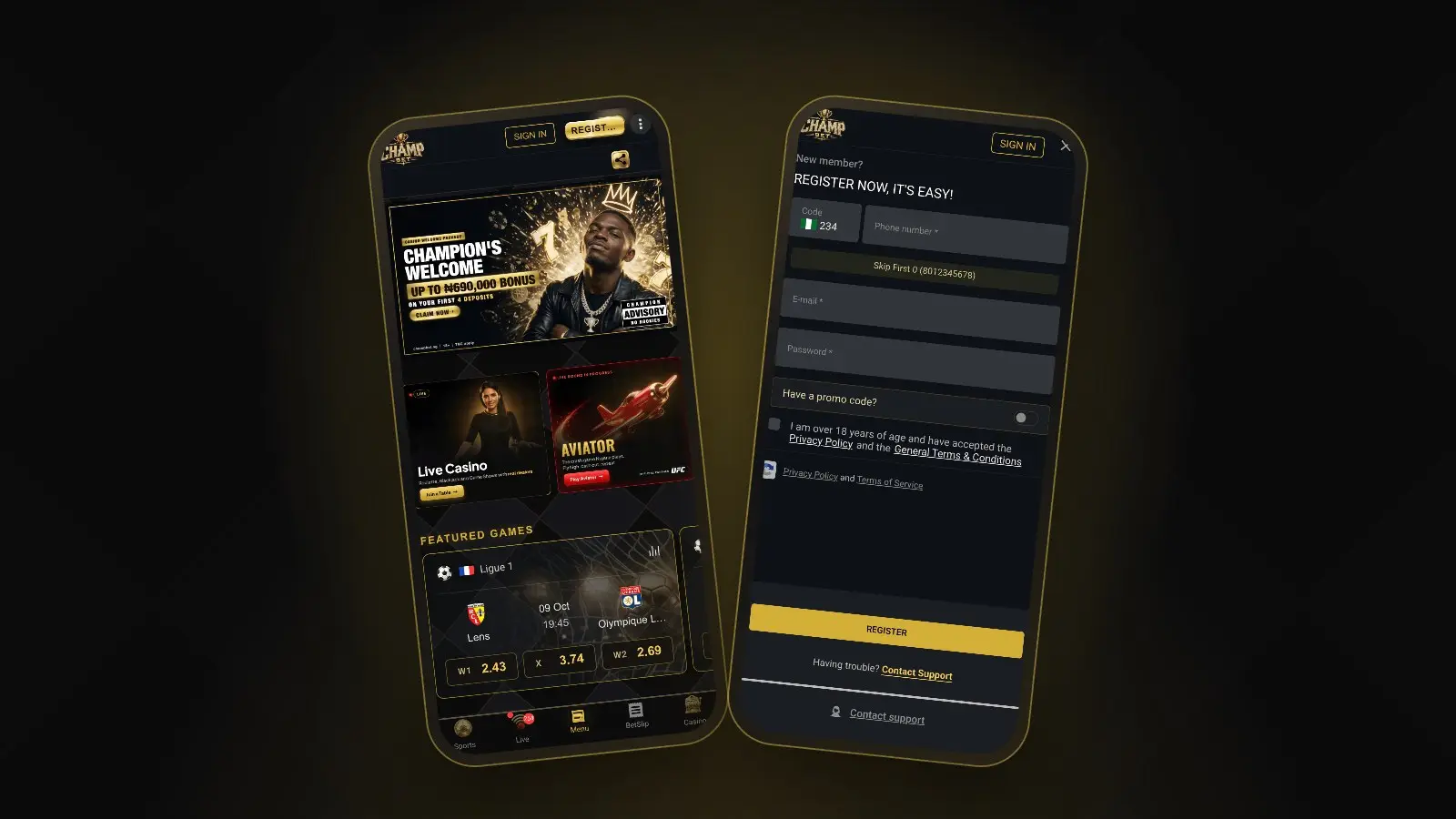
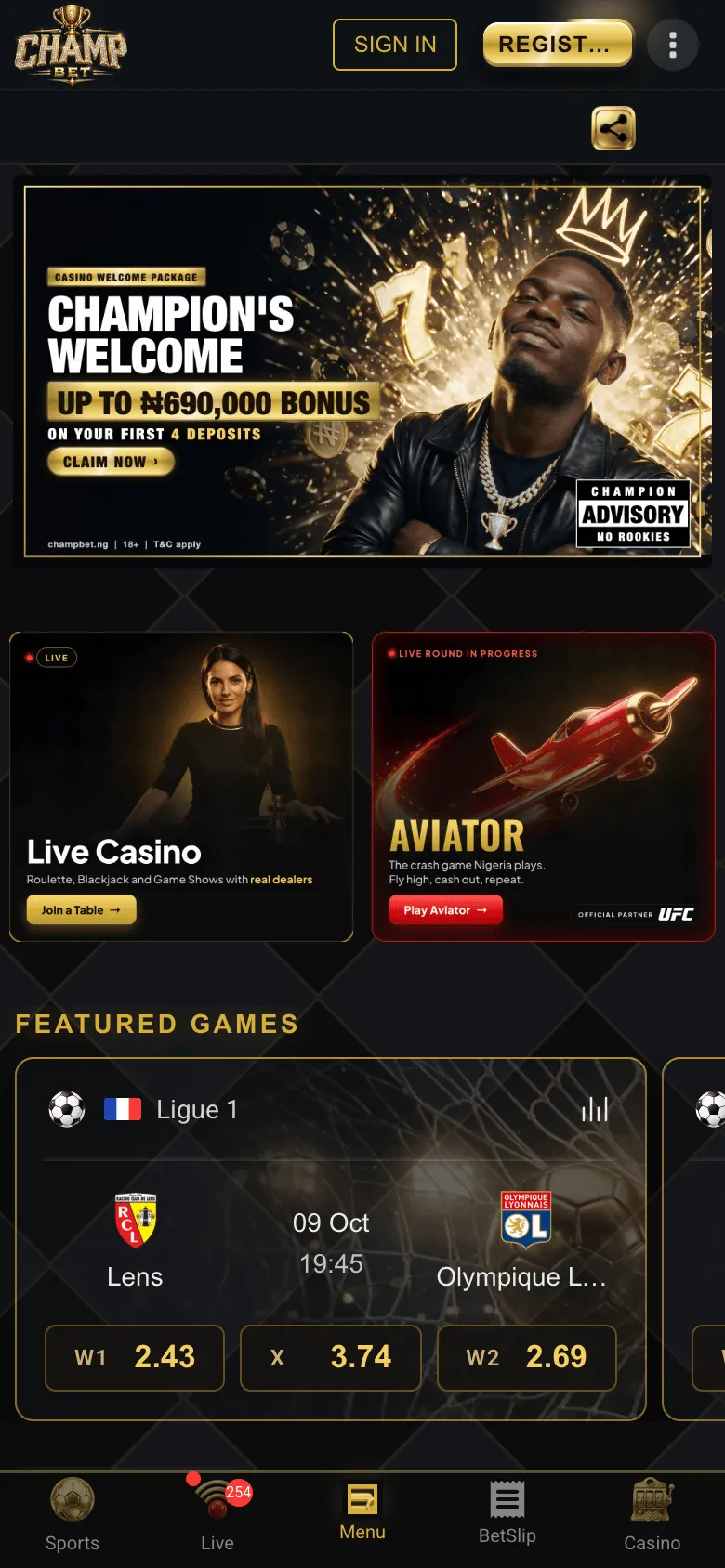 The mobile homepage: Featured Games with W1, X and W2 prices, and the bottom bar for getting around.
Everything on ChampBet mobile hangs off the bottom bar. On the sports pages it looks like this:
| Button | What it opens |
|---|---|
| Sports | The pre-match sportsbook, with thousands of events |
| Live | Matches in play. The red badge shows how many are live right now |
| Menu | The rest of the site, in the middle of the bar |
| BetSlip | Your selections, stake, possible win and BET NOW |
| Casino | The casino lobby |
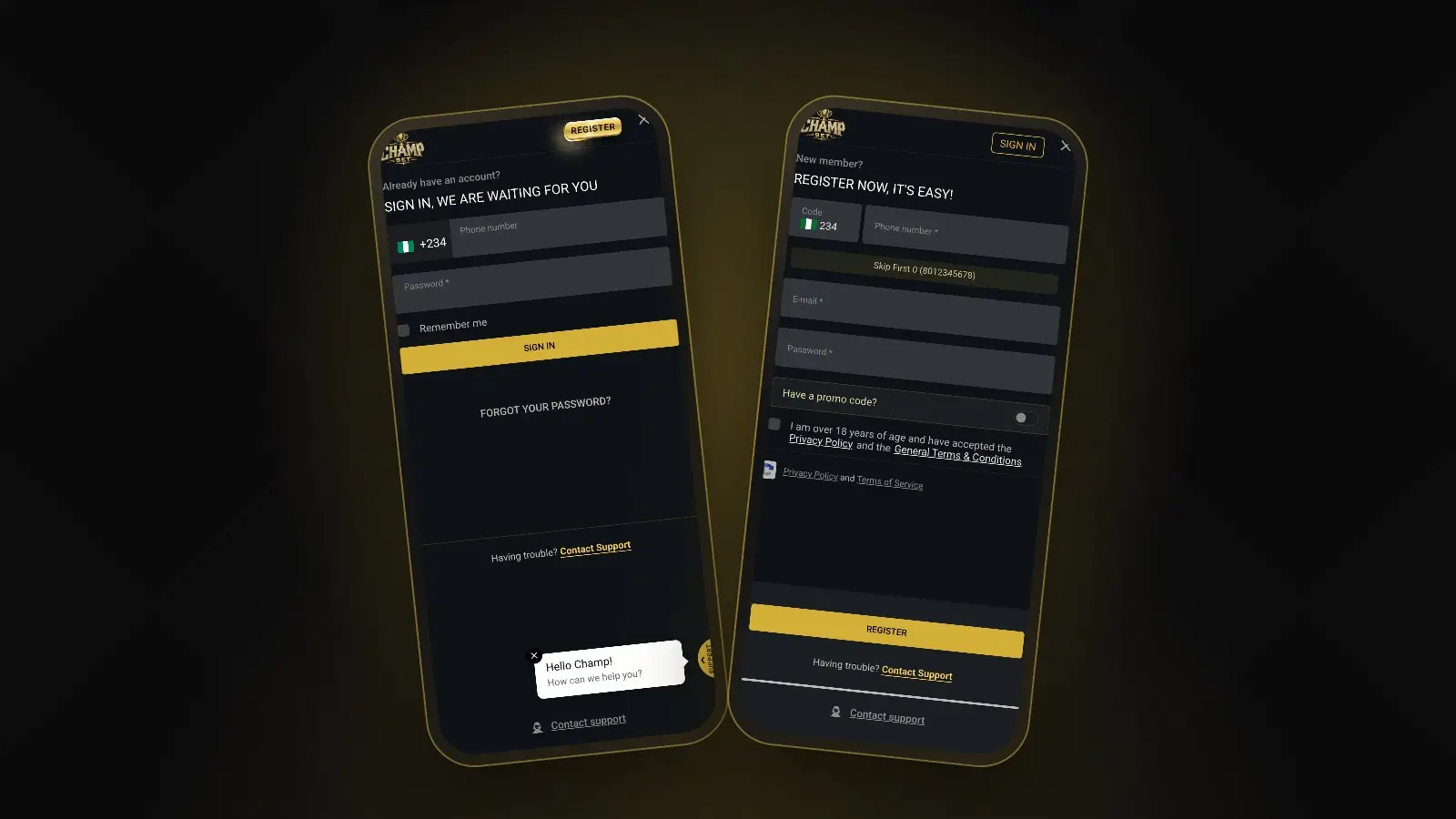
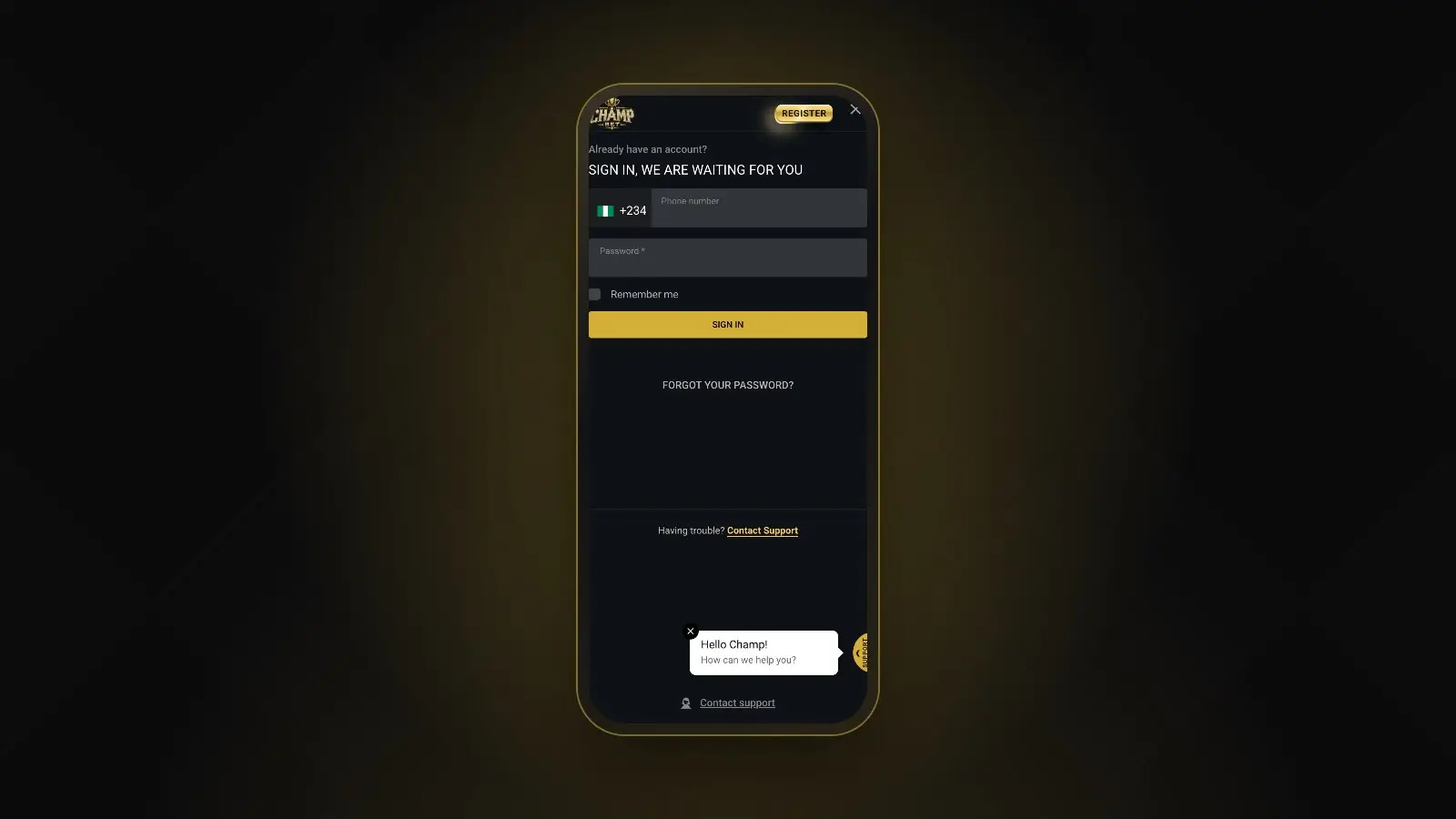
At the top of every page you will find SIGN IN and REGISTER when you are logged out. Our guides to ChampBet registration and ChampBet login walk through both pop-ups on a phone.
Sports on mobile
The mobile sportsbook has four tabs at the top: Event View, Sport Tournaments, Live Calendar and Results. Below them, sport tiles show Football, Basketball, Tennis, Volleyball and more, each with its number of events. Add favourite clubs under My Teams, and use the search button to find a team quickly. Our guide on how to place a bet on ChampBet covers the bet slip step by step.
Casino on mobile
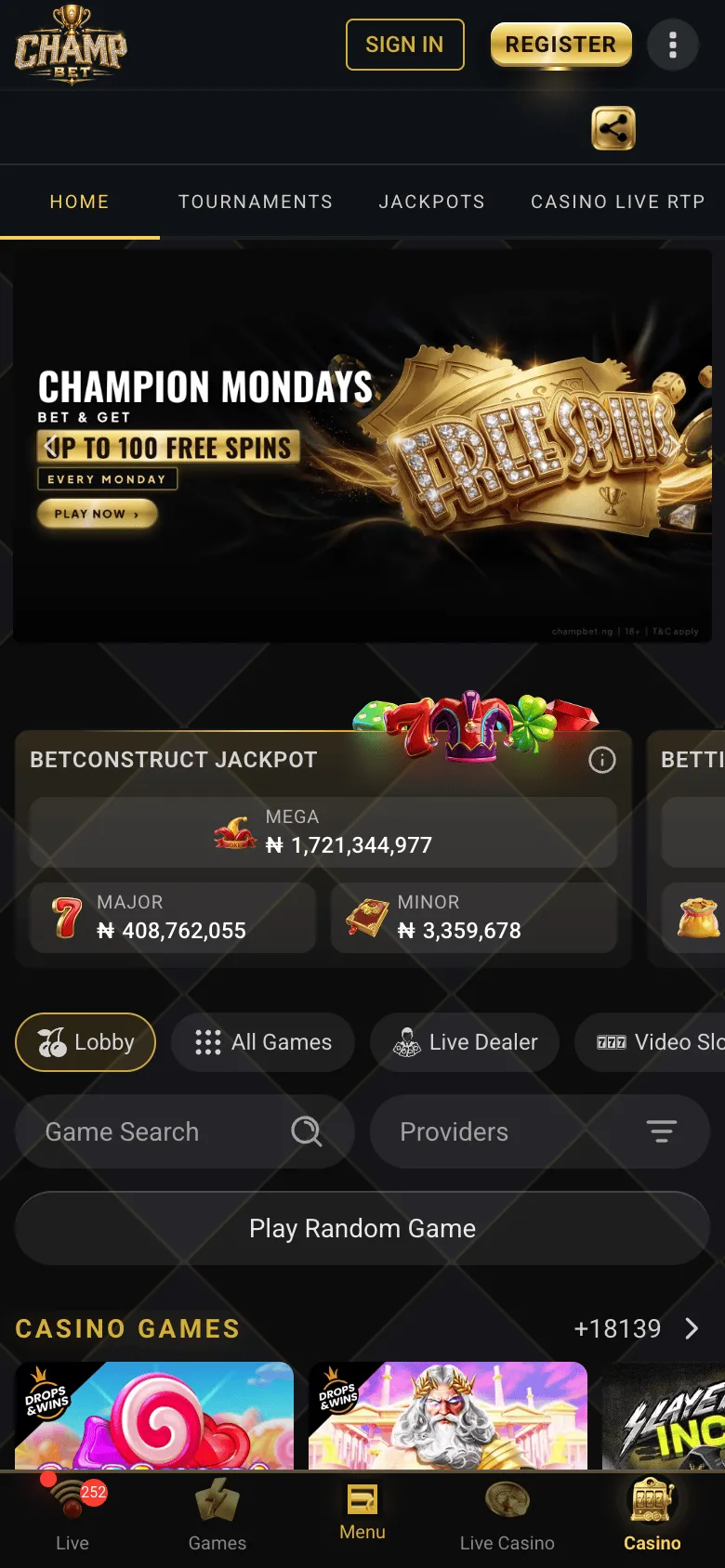 In the casino, the bottom bar switches to Live, Games, Menu, Live Casino and Casino.
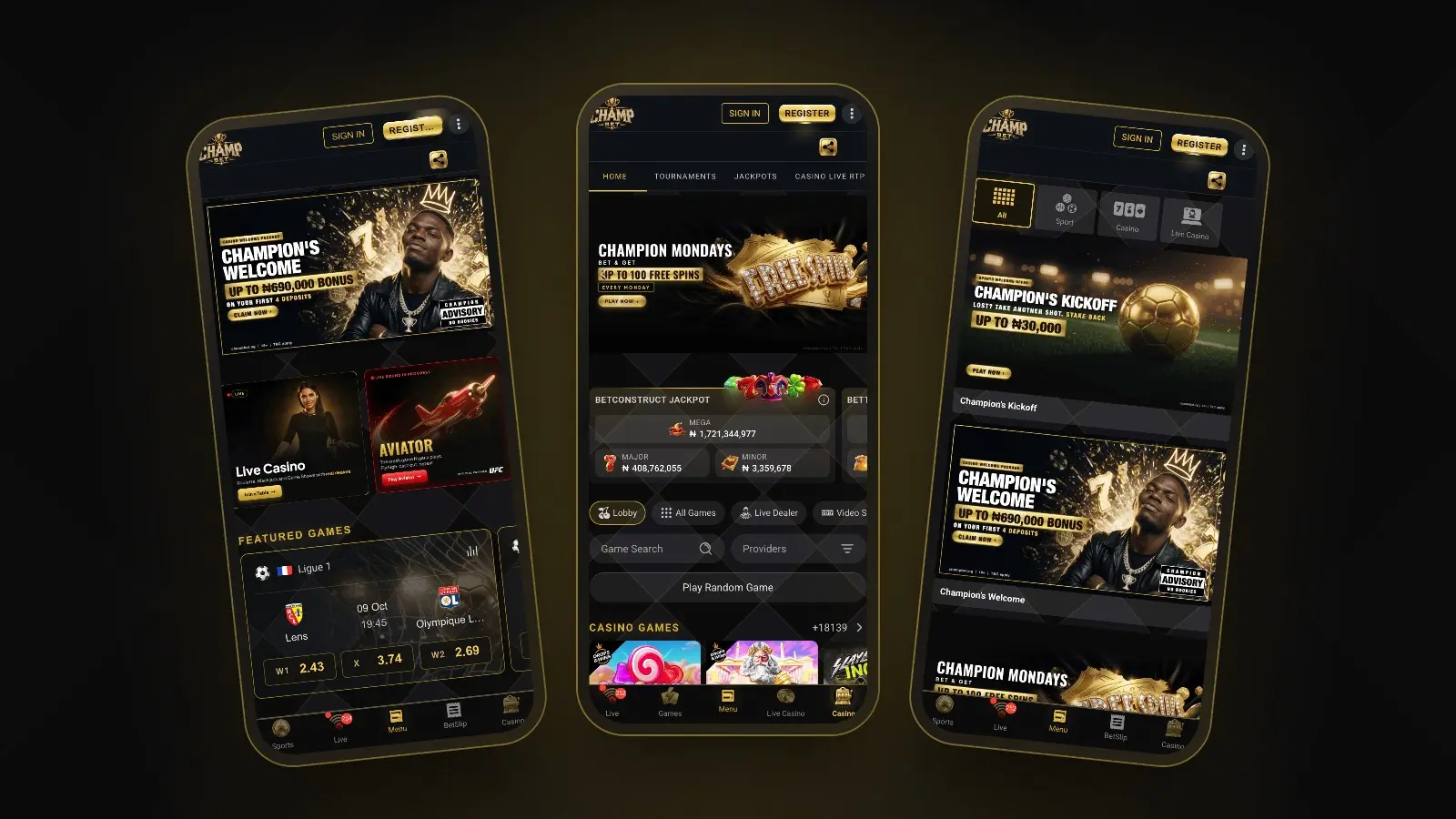
The ChampBet casino has its own tabs: Home, Tournaments, Jackpots and Casino Live RTP. Scroll for the jackpots, then use the filter buttons (Lobby, All Games, Live Dealer, Video Slots and more), Game Search, the Providers filter or Play Random Game to find something from more than 18,000 games. In the casino, the bottom bar changes to Live, Games, Menu, Live Casino and Casino, so the live casino is one tap away. If you are new to crash games, start with our guide on how to play Aviator.
Promotions and support on mobile
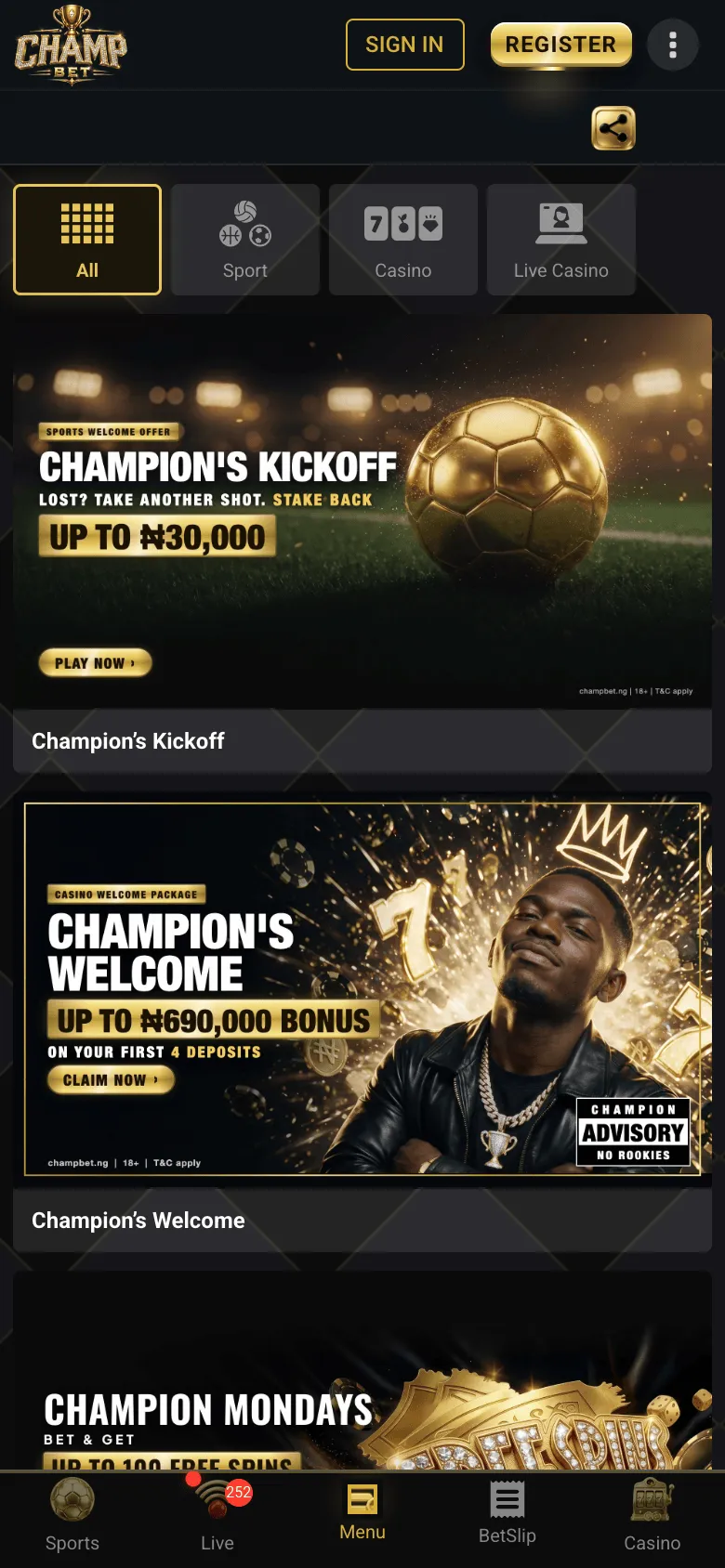 Promotions on mobile, filtered by All, Sport, Casino or Live Casino.
The promotions page lists every current offer, with filters for Sport, Casino and Live Casino. For help, tap the gold SUPPORT tab on the right edge of the screen or the live chat bubble, or message ChampBet on WhatsApp at +234 707 982 0431.
Data-saving tips for betting on your phone
Most of ChampBet’s mobile pages are light, but video is not. These habits keep your data bundle going for longer:
- Play live dealer games on Wi-Fi. Live casino tables stream video the whole time you sit at them, so they use far more data than placing a sports bet.
- Follow the match tracker. On live football, the animated pitch and stats show what is happening for much less data than any video stream.
- Close tabs you are not using. A live casino table left open in the background keeps streaming.
- Turn on your phone’s data saver. Use Low Data Mode on iPhone or Data Saver on Android, both in your phone’s settings.
- Use booking codes. Loading a friend’s slip with a booking code is faster than browsing every market, and uses less data.
How to keep your ChampBet account safe on mobile
- Use the real site only. Open ChampBet from your home screen icon or by typing champbet.ng, not from links in messages.
- Never share your password or SMS code. No genuine helper needs your password or the 4-digit code ChampBet sends to your phone.
- Use “Remember me” on your own phone only. On a shared phone, leave it unticked and log out properly when you finish.
- Lock your phone. A PIN, fingerprint or face unlock stops anyone who picks up your phone from opening your account.
- Avoid unofficial apps. Security firm ESET warns that fake betting apps are a common way to steal deposits and logins.
- Check who you are dealing with. ChampBet is run by Champ Betting Limited and licensed by the Lagos State Lotteries and Gaming Authority.
Deposits and withdrawals work the same on a phone. Our guides on how to deposit on ChampBet and how to withdraw from ChampBet cover the cashier step by step.
Fake ‘hack’ APKs often pose as game tools: read why Aviator predictor apps do not work.
Download links using similar names are not ours either: ChampBet is not Championbet.
Put ChampBet on your phone
Open champbet.ng on your phone now, add it to your home screen and sign in. From there, Live and the casino are one tap away.
Frequently asked questions
Is there a ChampBet app for Android or iPhone?
You do not need to download anything. ChampBet is built to run in your phone's browser, with the full sportsbook, casino, deposits and withdrawals. Add champbet.ng to your home screen and it opens in one tap, like an app. Be wary of any APK file or app link that claims to be ChampBet.
How do I add ChampBet to my home screen?
On iPhone, open champbet.ng in Safari, tap Share, then Add to Home Screen and Add. On Android, open champbet.ng in Chrome, tap the three-dot menu, then Add to Home screen (or Install and create shortcut, then Create shortcut) and Add. The ChampBet icon then sits with your apps.
Can I deposit and withdraw on the ChampBet mobile site?
Yes. When you are signed in, the Deposit button sits at the top of the screen, with Paystack, Flutterwave, OPay and PalmPay as payment methods and no ChampBet fee. Withdrawals are paid to a BVN-verified bank account in your own registered name, and verification may be required first.
Does the ChampBet mobile site use a lot of data?
Sports betting pages are light and use little data. Live casino tables use the most, because they stream video the whole time you play. Play live dealer games on Wi-Fi where you can, close tabs you are not using, and turn on Low Data Mode on iPhone or Data Saver on Android.