ChampBet Login: Sign In, Reset Password, Stay Safe
ChampBet login made simple: sign in with your phone number and password, reset a forgotten password, fix login errors and keep your account safe.
In this guide
ChampBet login needs three things: the phone number you registered with, your password and the official site, champbet.ng. Tap SIGN IN at the top right, enter both and you are in. Below you will find the steps for phone and computer, what to do if you forgot your password, fixes for common login errors and how to keep your account safe.
How do I log in to ChampBet?
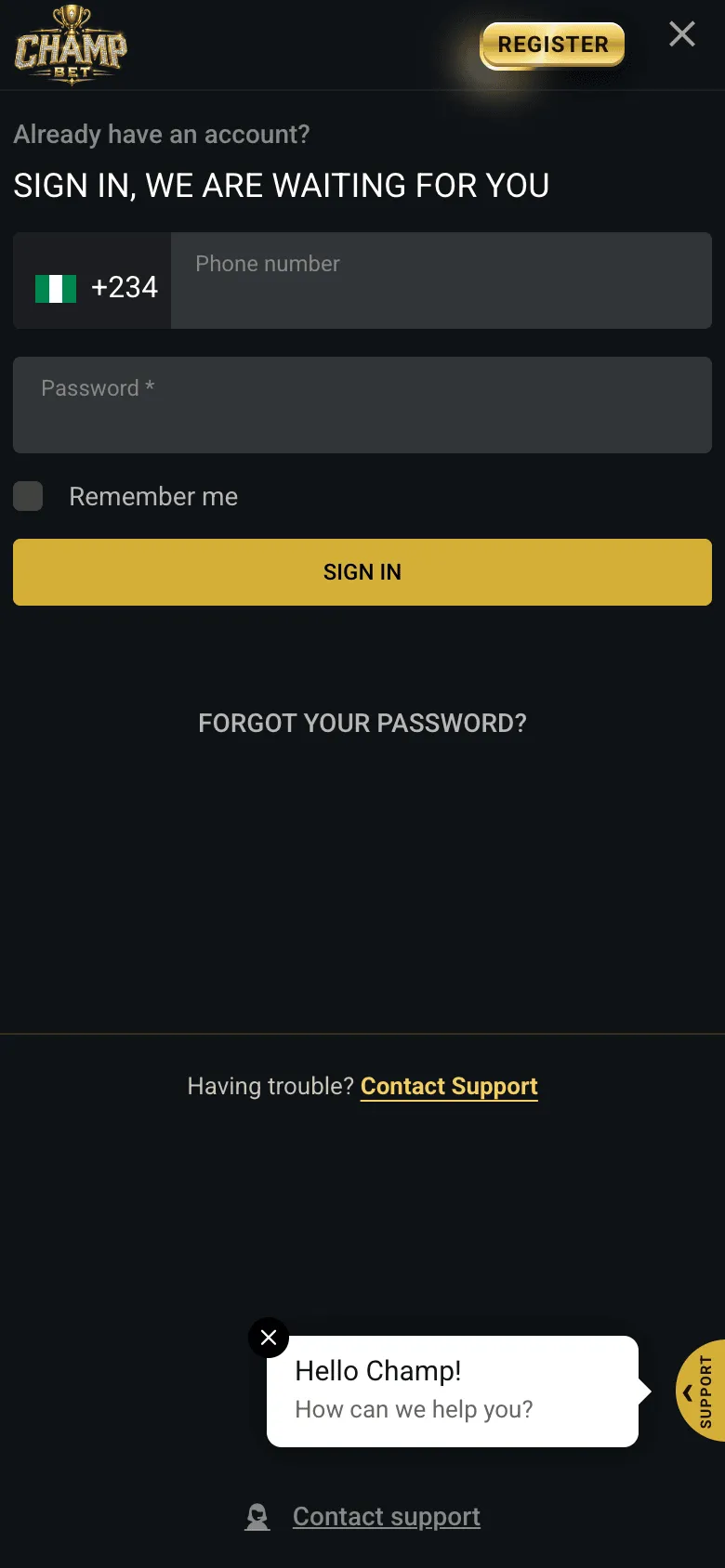
To log in to ChampBet, go to www.champbet.ng and tap SIGN IN at the top right. Type your phone number after the +234 code, without the first 0, then your password. Tick Remember me only on your own device, and tap SIGN IN. The same pop-up holds FORGOT YOUR PASSWORD? and Contact support if you get stuck.
- Open the official site. Go to champbet.ng and check the address bar.
- Tap SIGN IN. It is the gold-outlined button at the top right, just left of REGISTER. You can also open the sign-in form directly.
- Enter your phone number. The +234 code is already there. Type the rest without the first 0, exactly as you did when you registered: 0801 234 5678 becomes 8012345678.
- Enter your password. Passwords are case-sensitive, so check Caps Lock.
- Remember me. Tick it only on a phone or laptop that is yours alone. Leave it off anywhere else.
- Tap SIGN IN.
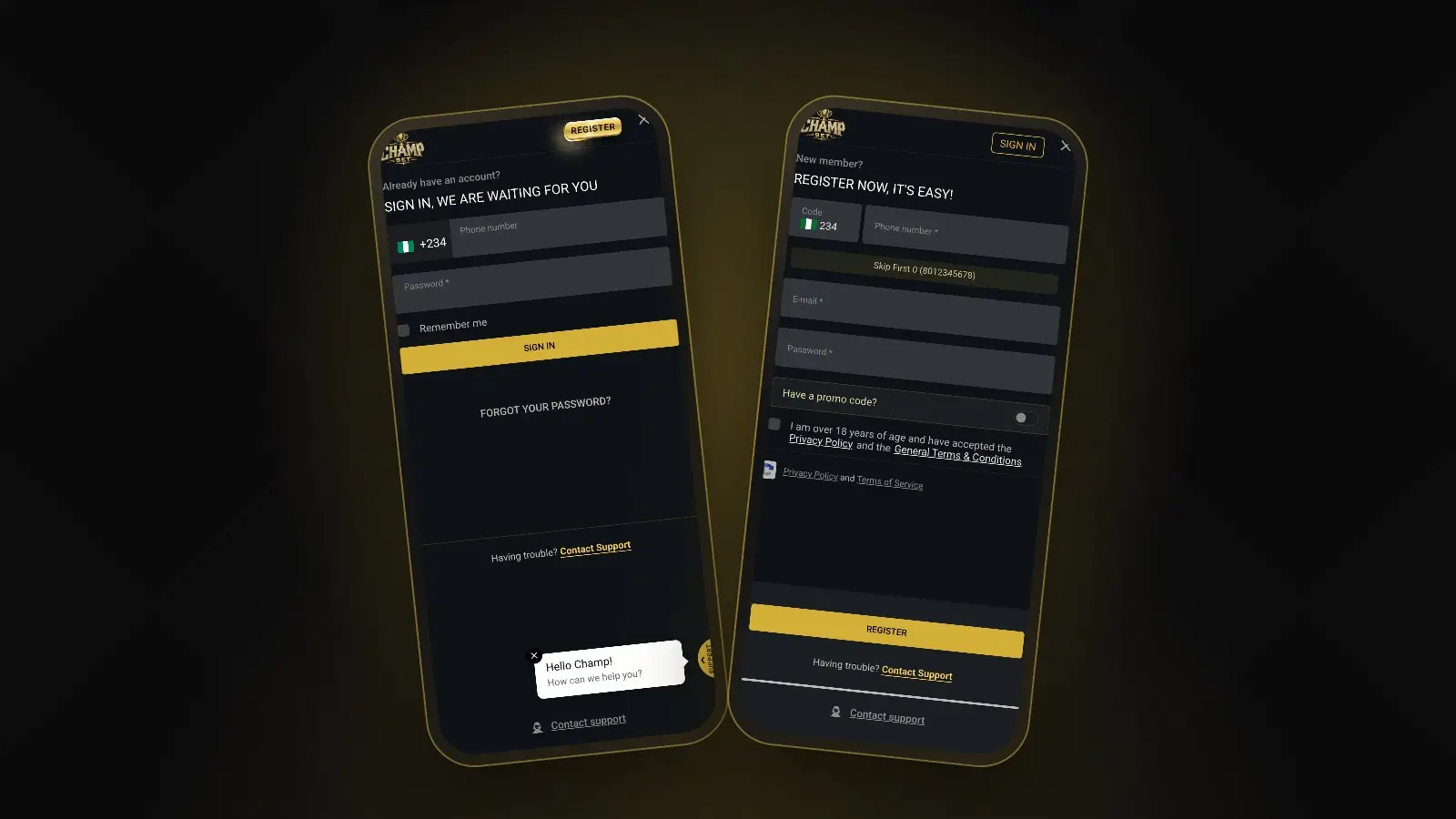
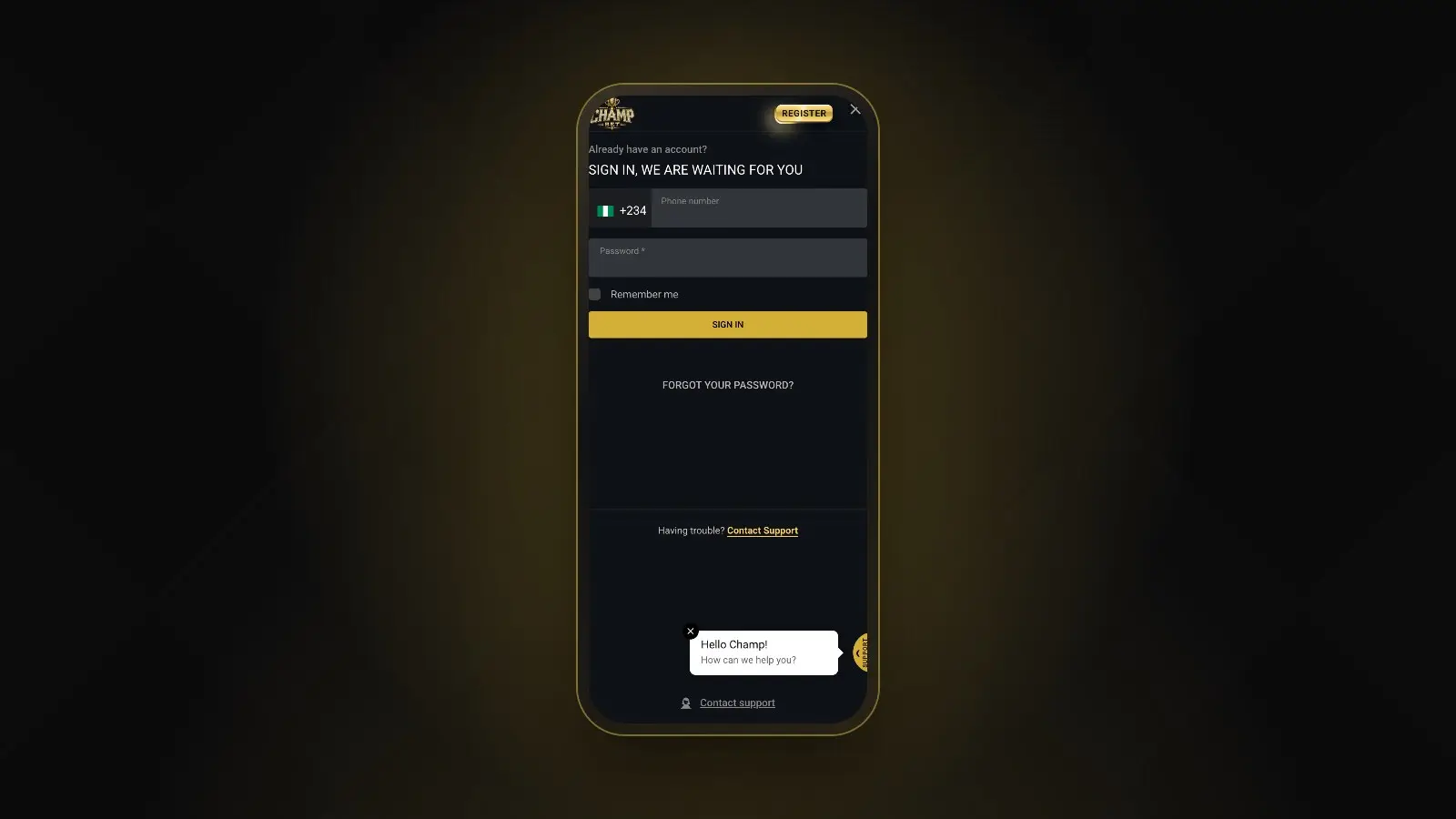
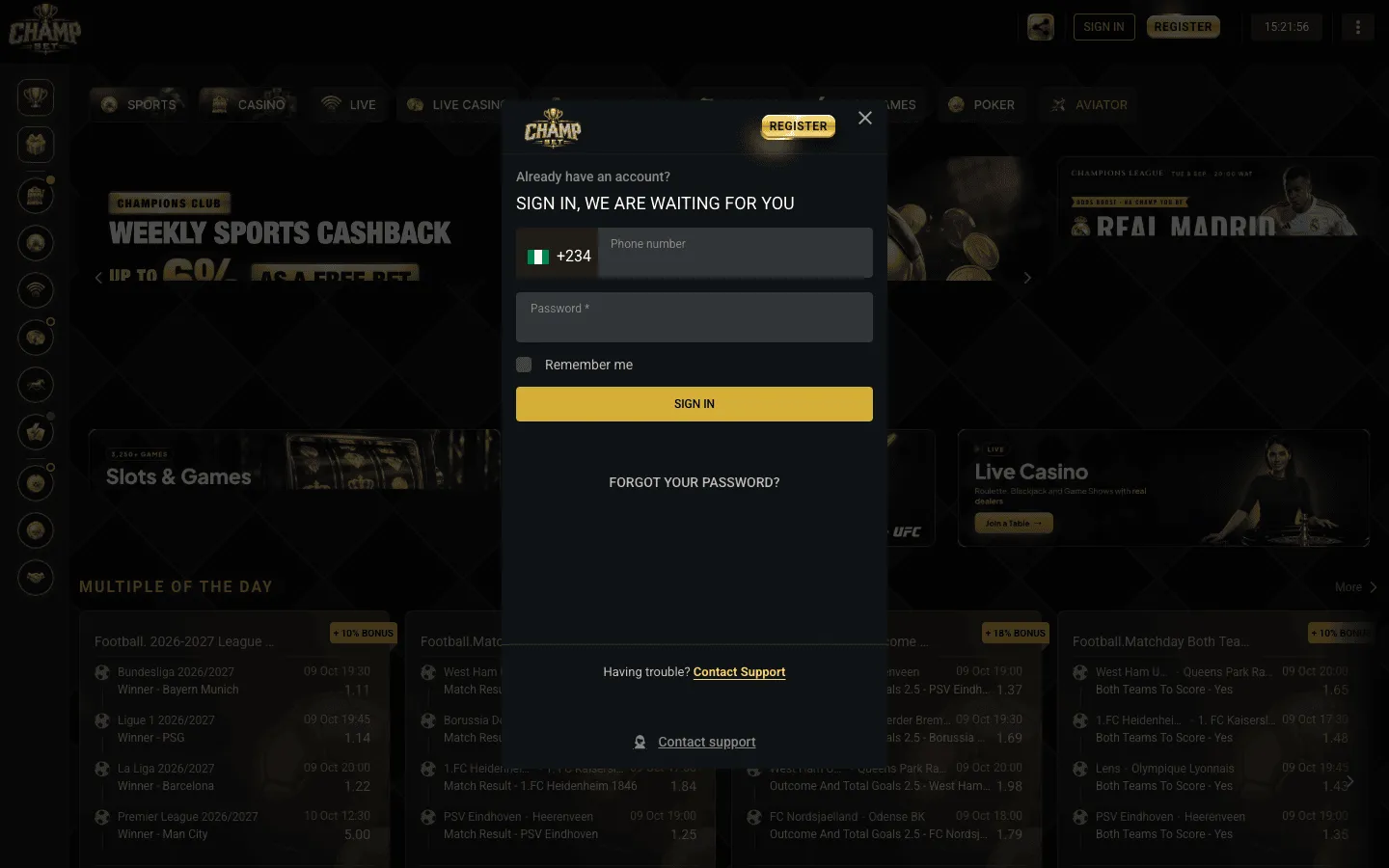 Tap SIGN IN at the top right of any page and this pop-up opens.
Not registered yet? Follow our ChampBet registration guide first. It takes a phone number, an e-mail, a password and a 4-digit SMS code.
Logging in on your phone
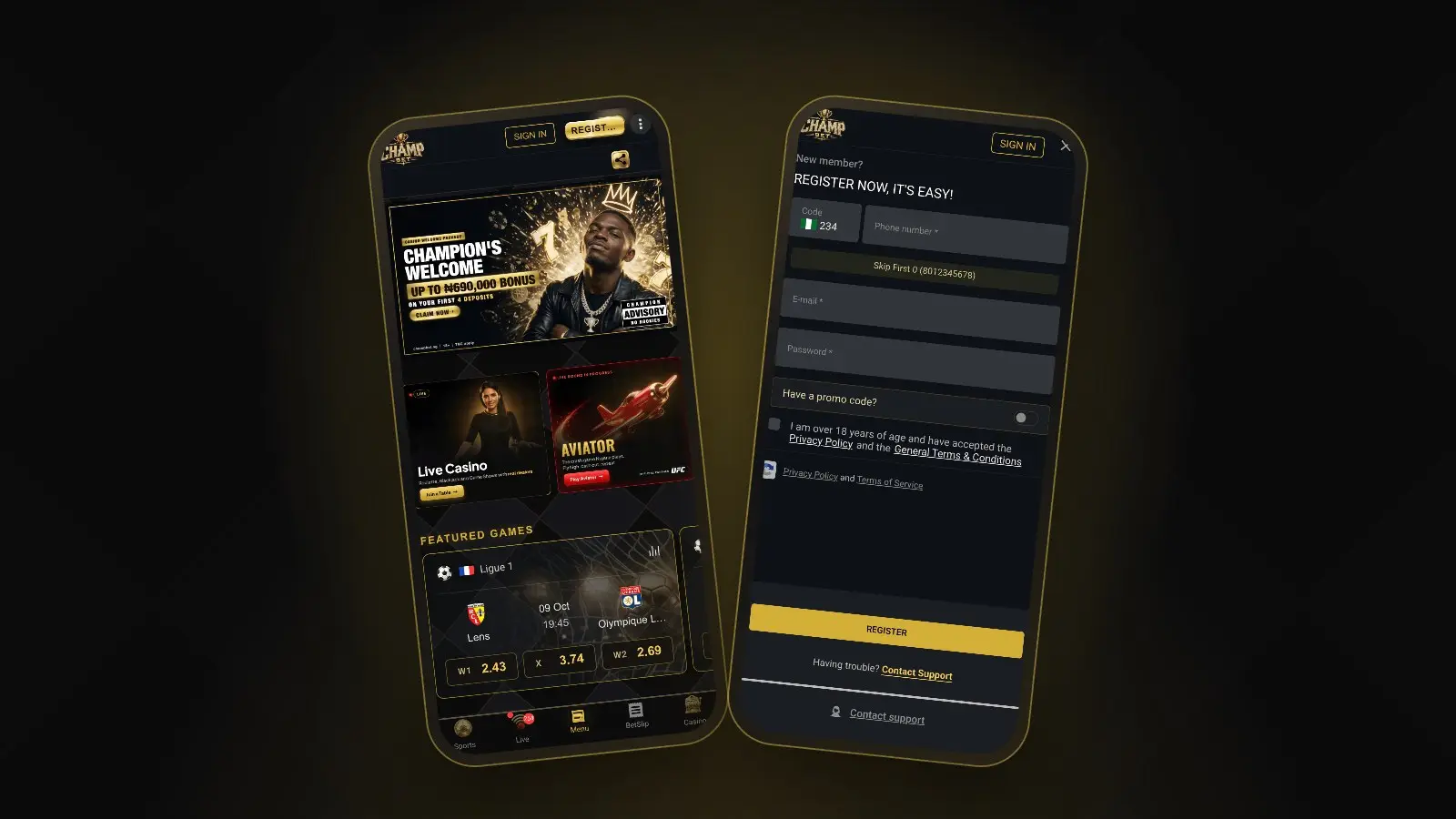
The mobile site works the same way: SIGN IN is at the top of the screen, and the sign-in pop-up has the same fields. To skip typing the address every time, add champbet.ng to your home screen. A shortcut you made yourself is also the safest way to make sure you always land on the real site.
What if I forgot my ChampBet password?
If you forgot your ChampBet password, tap SIGN IN, then FORGOT YOUR PASSWORD? on the pop-up. Enter the details it asks for, using the phone number or e-mail on your account, and follow the instructions to set a new password. If you no longer have access to those, ChampBet support can help.
- Open the sign-in pop-up.
- Tap FORGOT YOUR PASSWORD?
- Enter the details it asks for, using the phone number or e-mail you registered with.
- Follow the instructions you receive and choose a new, strong password.
- Go back to SIGN IN and log in with the new password.
Password recovery cannot always work on its own, for example if the e-mail on the account was typed wrongly or you have changed your phone number. In that case, tap Contact support on the sign-in pop-up or see ChampBet customer care for every official way to reach the team. Expect to confirm who you are before anything on the account is changed.
Change your password if someone else knows it
If you think someone else knows your password, change it straight away from your account. You can also ask support to block the account temporarily while things are sorted out. Remember that any bet placed with your correct login counts as yours, even if someone else placed it.
Why can’t I log in to ChampBet?
Most failed logins come from the phone number format, a mistyped password or a page that has not loaded properly. Work through the table below. If your account has been blocked, only support can tell you why and what happens next.
| Problem | Likely cause | Fix |
|---|---|---|
| “Wrong number” or no account found | Number typed with the first 0, or with 234 added again | Type 10 digits only, for example 8012345678 |
| Password rejected | Caps Lock on, or an old password | Retype slowly, then use FORGOT YOUR PASSWORD? |
| Nothing happens when you tap SIGN IN | Page not fully loaded, weak data signal | Refresh, check your connection, try again |
| Page looks wrong or asks for odd details | You are not on the real site | Close it and type champbet.ng yourself |
| Account blocked | A rules or security check | Contact support for the reason |
| Signed in but cannot withdraw | Verification or profile details missing | See how to withdraw from ChampBet |
How to keep your ChampBet account safe
Your login protects your balance, so treat it like your bank app. These habits stop most account takeovers before they start.
Never share your password or OTP
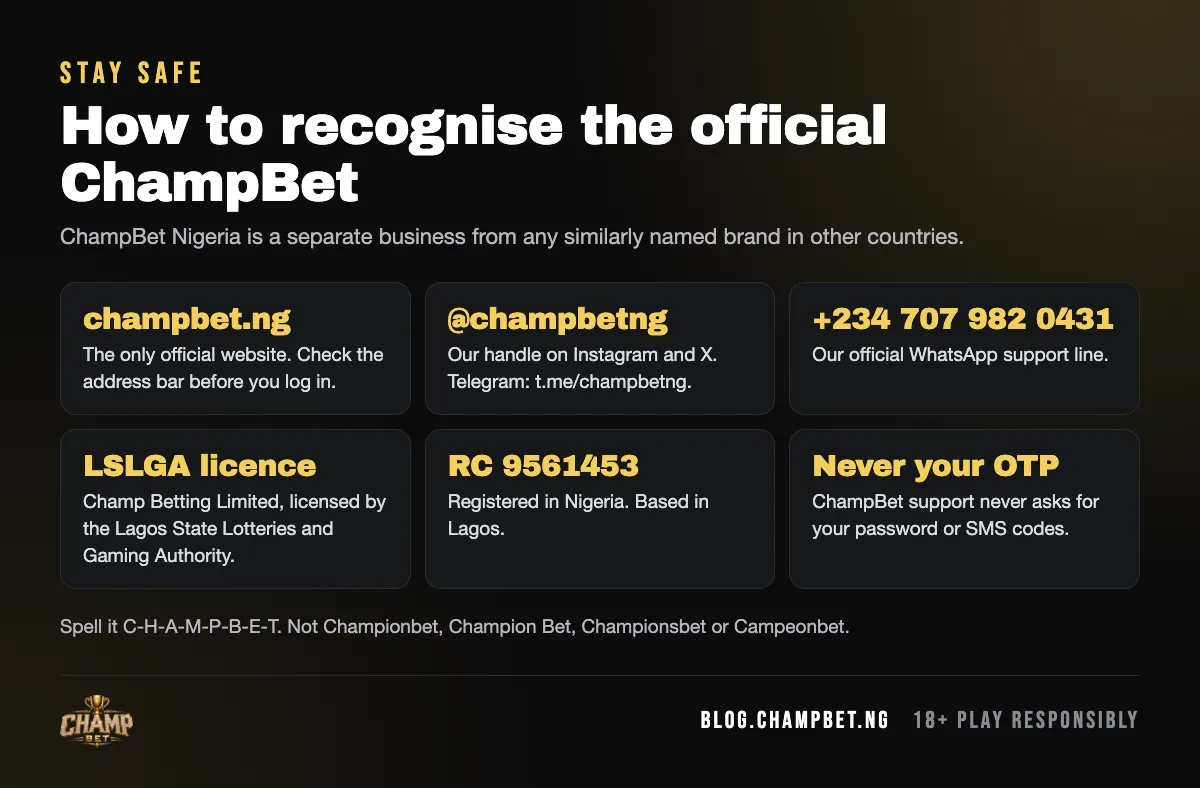
ChampBet support will never ask for your password or a one-time code (OTP). Anyone who asks, whether in a call, a DM or on WhatsApp, is trying to get into your account. That includes “agents” who offer to unlock a bonus or speed up a withdrawal. Tip sellers who promise wins are the same trick in different clothes: our guide on why paid betting tips are a scam explains how they work.
Only sign in at champbet.ng
The official site is champbet.ng (www.champbet.ng). Scam pages copy the look of real sites and change one letter in the address. Type the address yourself or use your own home-screen shortcut, and do not sign in through links from strangers.
Use Remember me only on your own phone
Remember me keeps you signed in. That is handy on your own phone and risky anywhere else. On a shared phone, an office computer or a business centre, leave it off and always tap Log out when you finish. Closing the browser tab is not the same as logging out.
Use a strong, unique password
Use a long password you do not use anywhere else, so a leak on another site cannot open your ChampBet account. Google’s guide to creating a strong password has good, simple rules. A password manager makes this easy.
Keep your phone and e-mail secure
Your phone number receives your codes and your e-mail helps you recover your account. Lock your phone with a PIN, and do not let anyone else use your ChampBet account: one account per person is the rule.
Always check you are on champbet.ng. ChampBet is not Championbet or Campeonbet, so their logins will not work here.
Signed in and ready
Once you are signed in, top up from the Deposit button with our deposit guide, then head to the ChampBet sportsbook or the casino lobby. If anything about your login looks wrong, contact support before you do anything else.
Frequently asked questions
How do I log in to ChampBet?
Open champbet.ng and tap SIGN IN at the top right. Type your phone number without the first 0 after the +234 code, enter your password and tap SIGN IN. Tick Remember me only on a phone or computer that nobody else uses.
How do I reset my ChampBet password?
Tap SIGN IN, then FORGOT YOUR PASSWORD? on the sign-in pop-up. Enter the details it asks for, using the phone number or e-mail on your account, and follow the instructions to set a new password. If you no longer have that number or e-mail, contact support on WhatsApp.
Why can't I log in to ChampBet?
The usual causes are a phone number typed with the first 0, a wrong password or a page that has not loaded fully. Type the number as 10 digits, check Caps Lock, refresh the page and try again. If your account has been blocked, contact support to find out why.
Will ChampBet ask for my OTP or password?
No. ChampBet support will never ask for your password or a one-time code. Anyone who asks for them, by call, direct message or WhatsApp, is trying to take over your account. Do not share them, and report the contact to ChampBet support on +234 707 982 0431.
What is the official ChampBet login website?
The official address is champbet.ng, shown as www.champbet.ng in your browser. Sign in there or from a home-screen shortcut you created yourself. Do not log in through links sent by strangers or lookalike spellings, because fake pages exist to steal login details.